
Server guides.
Raid Alerts
Raid Alerts
Get notified when someone attacks your base. Both in-game and on Discord.
Step 1: Link your Discord
Go to your profile page and click the Link Discord button.
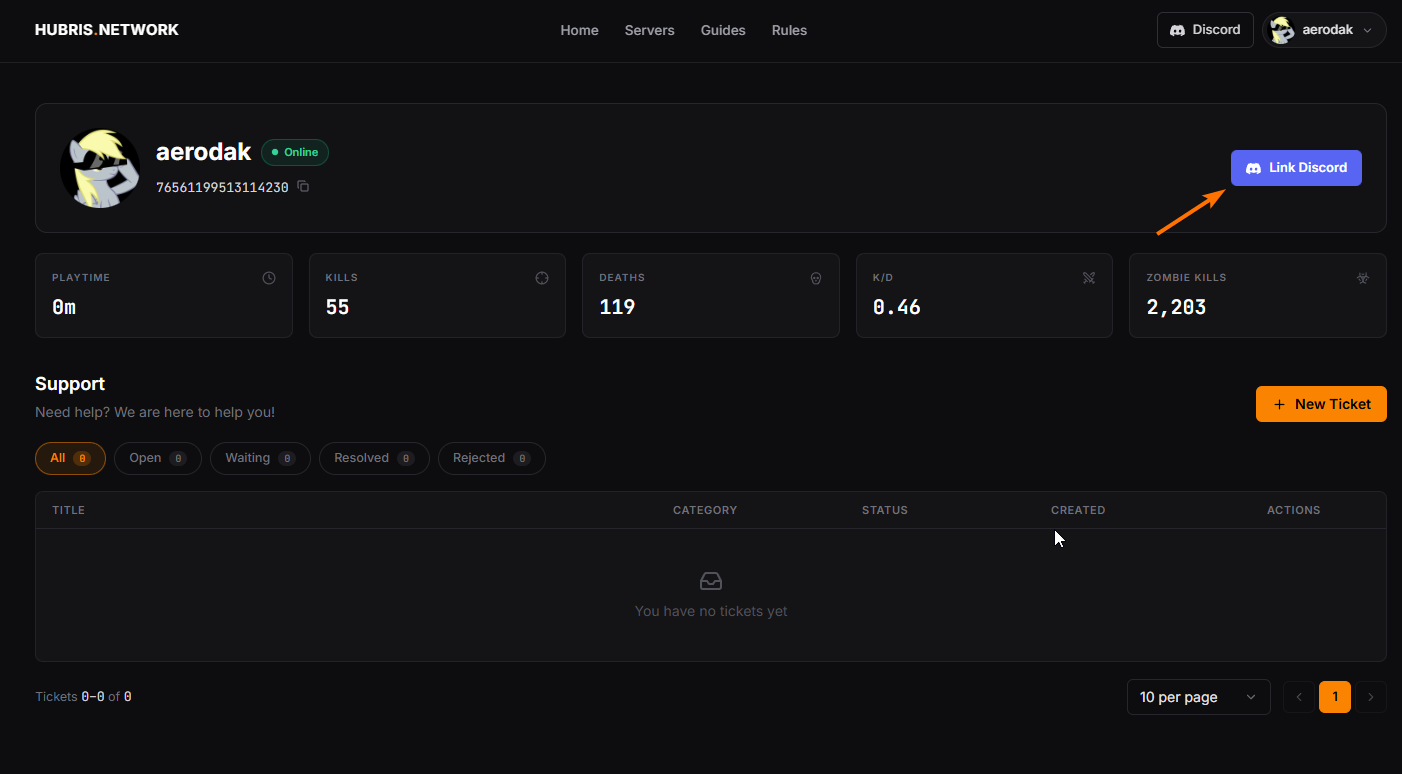
You will be redirected to Discord. Log in with your account and click Authorize.
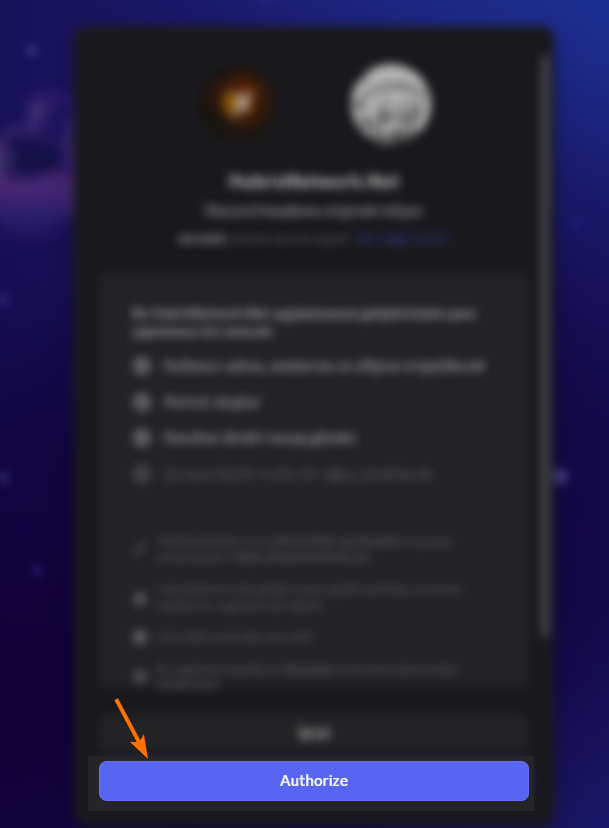
Step 2: Confirm the link
After authorizing, you will receive a Direct Message from our Discord bot confirming that your account has been linked.
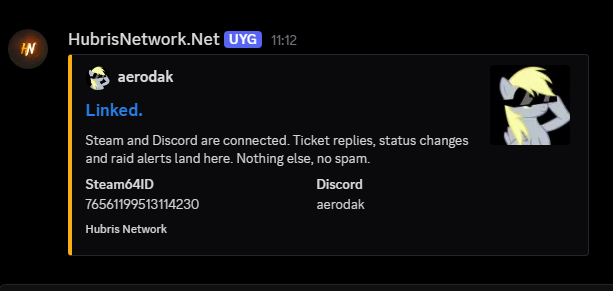
If you received this message, you are done. If you did not receive it, go back to your profile page and check whether your Discord username appears next to the Link Discord button. If it does not, try linking again.
Step 3: That is it
From now on, when any structure you own takes damage, you will receive:
-
An in-game chat message telling you what was damaged and where

-
A Discord Direct Message with the same information
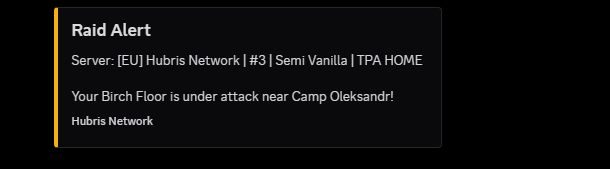
You do not need to be online in the game to receive the Discord notification. Your base could be getting raided while you are asleep and you will know about it.
Unlinking Discord
If you no longer want raid alerts, go to your profile page and click the X button next to your Discord username. This removes the link and stops all Discord notifications.
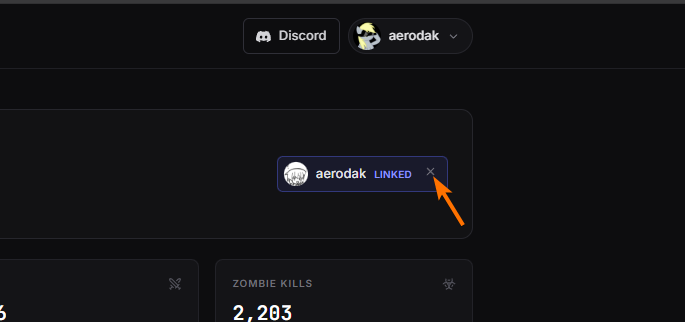
You can re-link at any time.